Instant wireless replay
Set one device down as the camera, hold the other, and watch each swing replay in your hand the moment you finish hitting.
Golf Echo turns your phone into an instant replay screen at the range. Set it down, take your swing, and watch it play back in your hand a few seconds later — slow it down, scrub through it, and save the good ones. Use two devices for a hands-free setup, or run the whole thing solo on one.
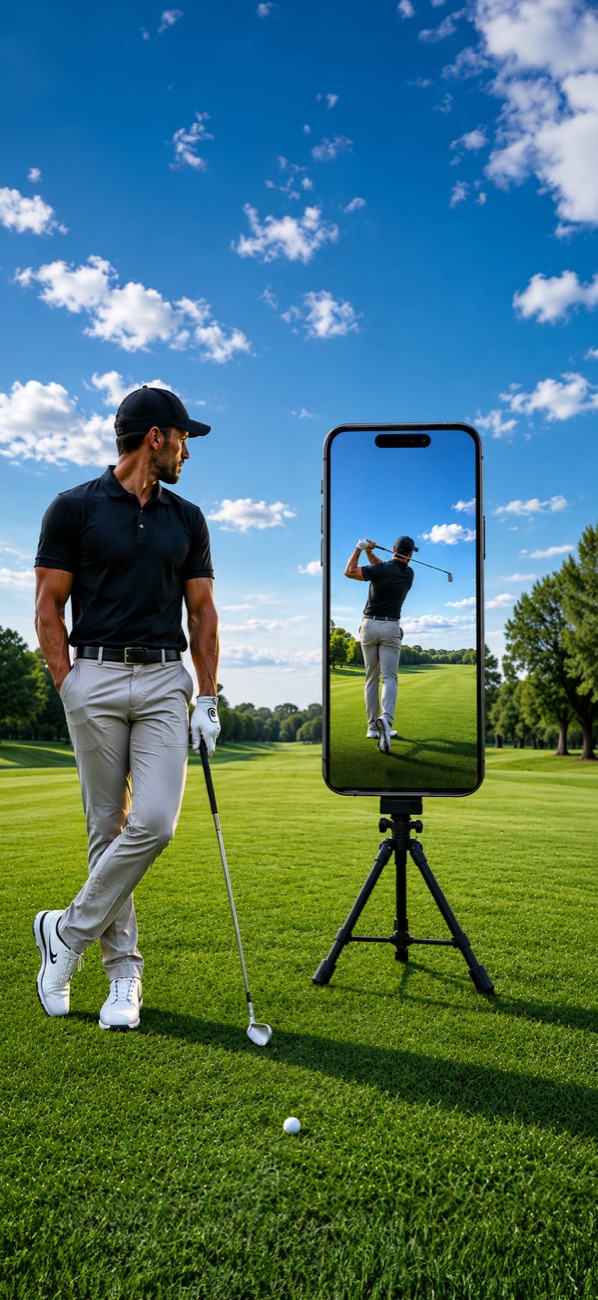
See it in motion
Swing, then look down. The clip you just made is already playing back on your screen — no buttons, no cables, no walking back to a camera.
Before & after
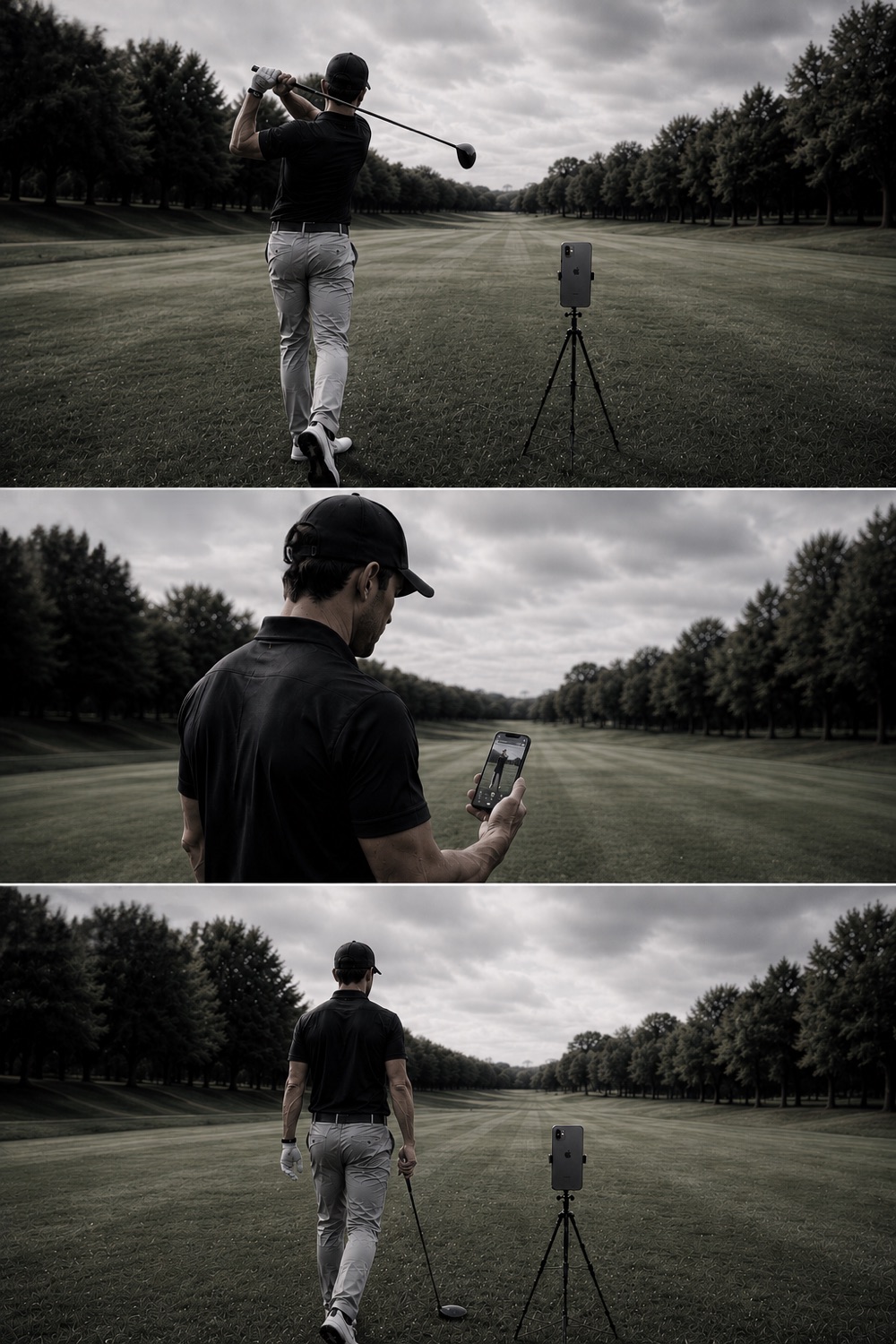
Your rhythm is gone by the time you find the clip — if you ever recorded it at all.
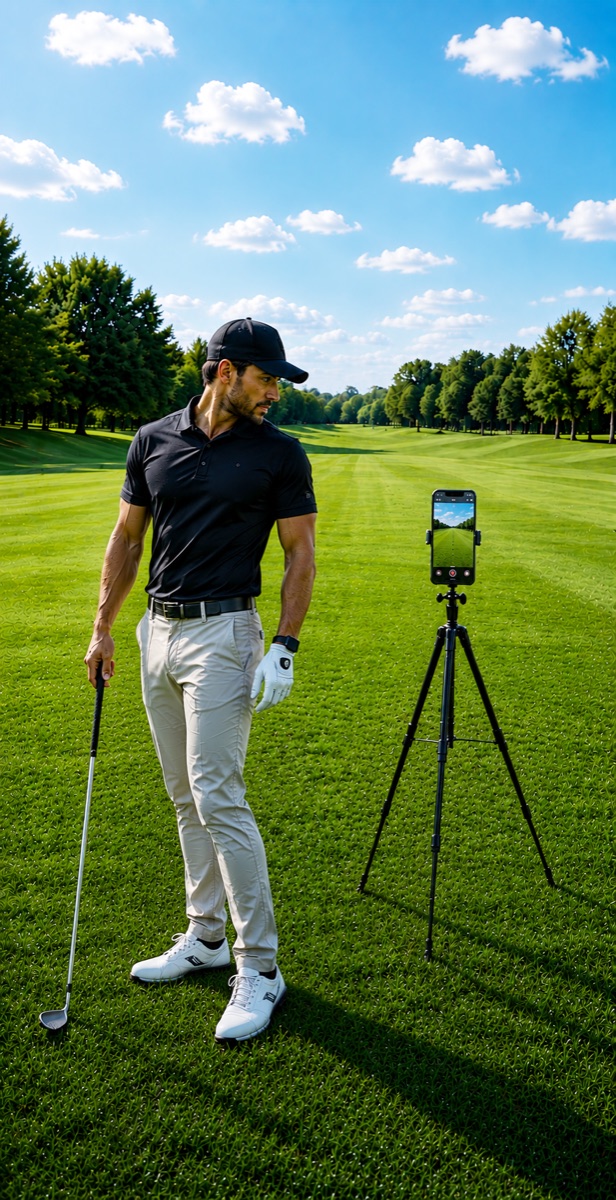
The replay comes to you the moment you finish, so you stay in flow and fix the swing while it's fresh.
Features
Built for the real conditions of a driving range: bright sun, no tripods, no Wi-Fi you trust, and no patience for setup. Pair, hit, watch.
Set one device down as the camera, hold the other, and watch each swing replay in your hand the moment you finish hitting.
No second device? Run capture and replay on a single phone with the same configurable delay so you can swing, look, and adjust.
Dial the delayed playback to match your pace, walk back into frame, and review without touching anything.
High-frame-rate capture with smooth slow-motion playback, so you can spot swing flaws frame by frame.
Float the replay over your camera feed, drag and resize it, or compare two clips side by side — horizontal or vertical.
Keep the clips worth coming back to. Save straight to your photo library and share them anywhere.
Connect two devices in seconds with a short code or a QR scan. Peer-to-peer with a signaling fallback when networks misbehave.
High-contrast controls tuned for direct sunlight — easy to read with a glove on and glare on the screen.
How it works
Sign in, then choose camera, display, or solo. A quick onboarding walks you through it the first time.
Join the same room with a 6-character code or a QR scan. Golf Echo connects directly, peer to peer.
Set the delay, take your swing, and let the screen in your hand replay it. Slow it down, compare, save, repeat.
Pricing
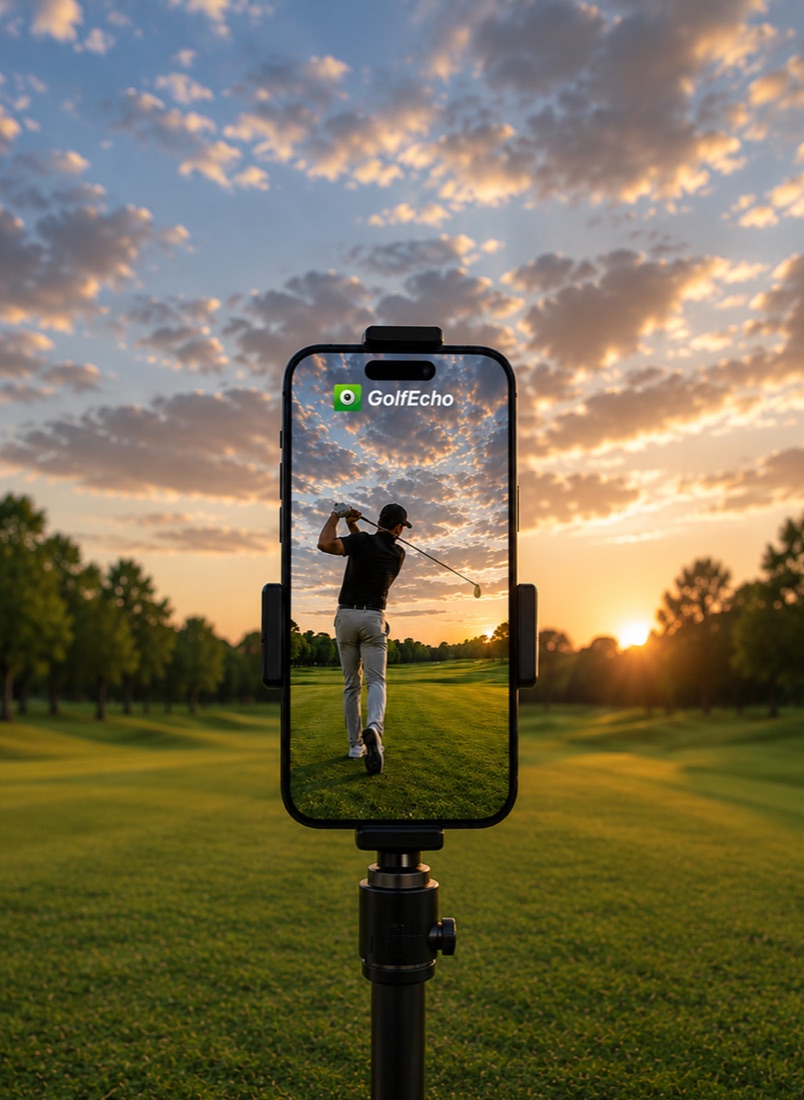
Golf Echo starts with a 7-day free trial. After that, access continues with a subscription billed by the App Store — cancel anytime.
Free trial
Full access to wireless replay, slow motion, PiP, split view, and saving clips.
Subscription
Continued access after the trial, billed and renewed by Apple. Cancel anytime in Settings.
Golf Echo
Join the early access list and we'll let you know the moment Golf Echo lands on the App Store.